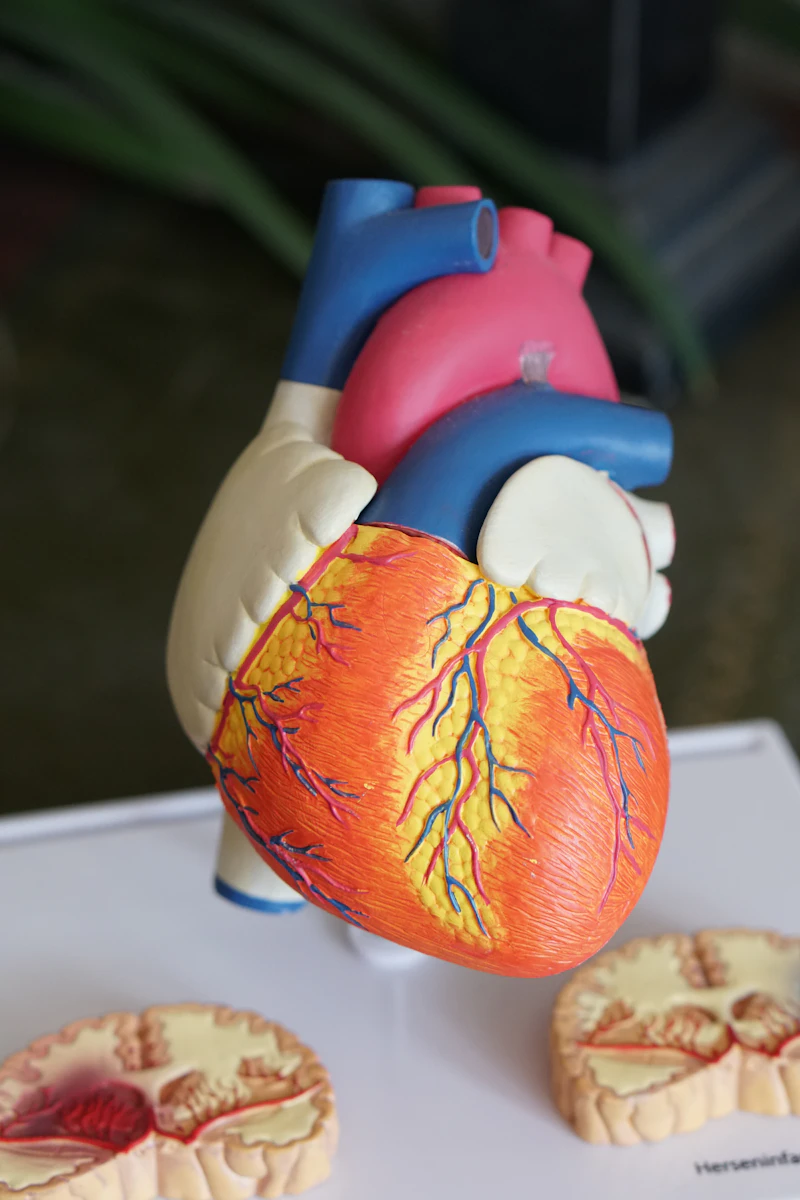
Image Trail
Leaves a beautiful, premium track of images behind the cursor. Powered by GSAP for buttery smooth animations.
Installation
pnpm dlx shadcn@latest add @componentry/image-trailUsage
API Reference
| Property | Type | Default |
|---|---|---|
imagesArray of image URLs to cycle through. | string[] | [] |
imageWidthThe width of the individual trail images (px). | number | 200 |
imageHeightThe height of the individual trail images (px). | number | 200 |
thresholdDistance in pixels the cursor must move before a new image is added. | number | 50 |
durationTotal duration in seconds for the entire trail animation timeline. | number | 1.6 |
View source
Click the icon in the preview panel to browse source for each variant.
Keep in mind
This component is inspired by various open-source projects and patterns. Please verify licenses and implementation details before using in production.
Need a custom component?
I build bespoke UI components & websites tailored to your brand.
Scientific Discovery
Move your cursor across the space to reveal the hidden knowledge stream.